The Ugoos X5M Pro has officially entered the crowded Android TV box market to challenge the competition. Currently, this brand is widely considered the gold standard for streaming hardware. They are famous for excellent build quality, innovative features, and regular firmware support. Today, we are taking a deep dive into their latest release. We will analyze its features, software, and real-world performance to see if it lives up to the massive hype.
Unboxing the New Hardware
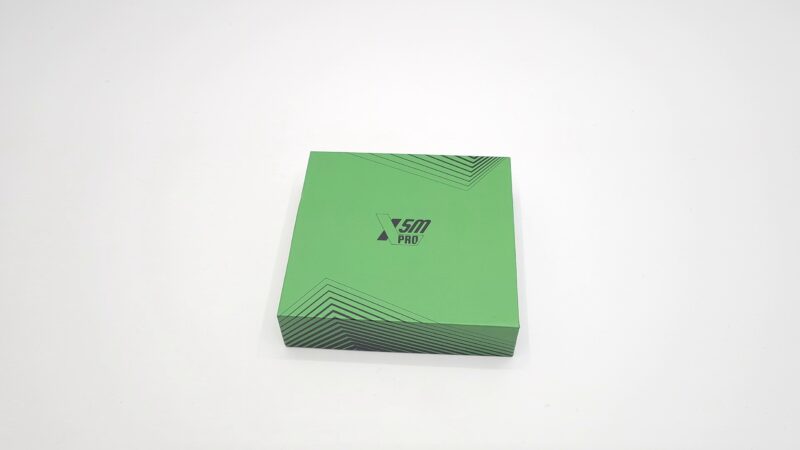
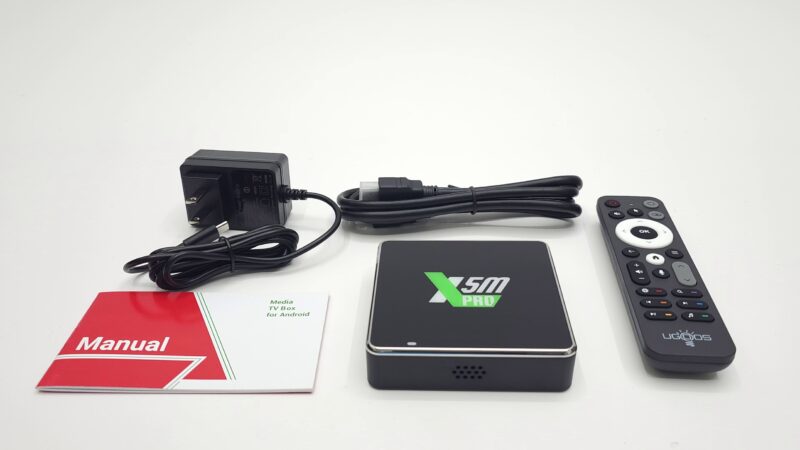
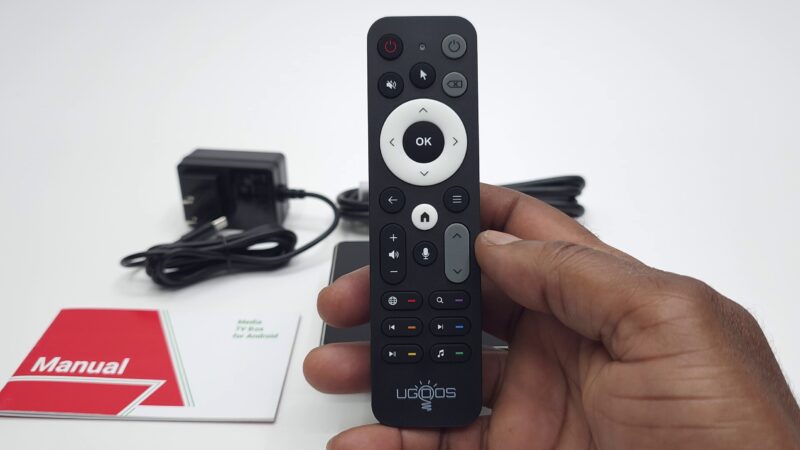
When you open the package, you find a very complete setup. First, you get the media player itself. Additionally, the box includes a high-quality Bluetooth air mouse voice remote. This remote makes navigation incredibly simple. Furthermore, you receive a standard HDMI cable to hook the device to your TV. For power, the manufacturer bundles a 5V 2A DC power supply. Surprisingly, this power supply utilizes a modern USB Type-C port instead of an old barrel jack. Finally, a clear user manual rounds out the package.
Hardware Design and Input Selection
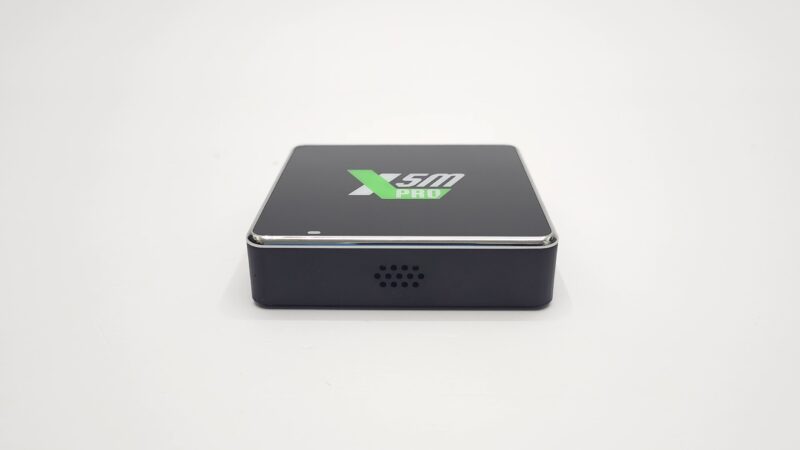
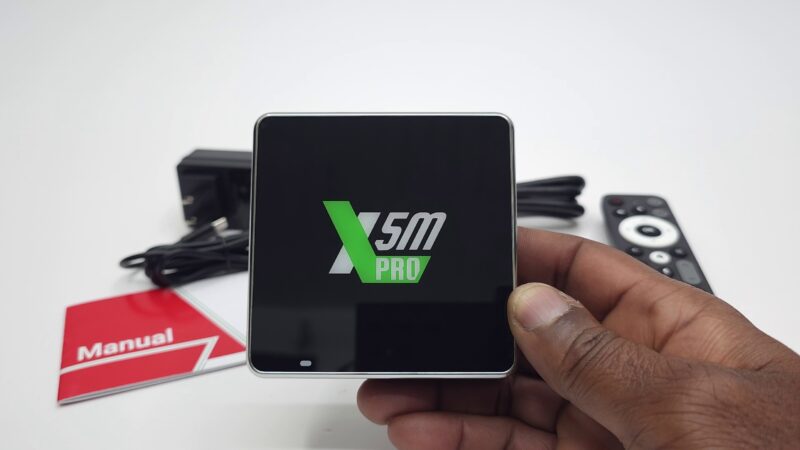
Consequently, let’s talk about the physical design of the device. It comes in a remarkably small form factor. The outer shell consists entirely of plastic. However, it features a sleek, glossy surface on the top panel. You will also notice a clear power LED indicator right on top.
In terms of connectivity, this compact device packs a massive punch. On one side, you get an HDMI 2.1b port for crisp video output. Next to it, you will find an optical audio port and a fast gigabit LAN jack. There is also a standard USB 2.0 port alongside the Type-C power input. Meanwhile, the other side offers another USB 2.0 port, a second optical audio connection, and a handy microSD card reader. For cooling, the engineers added ventilation holes to both sides. Conversely, the bottom panel features a circular rubber pad and a physical reset button, though it lacks base vents.
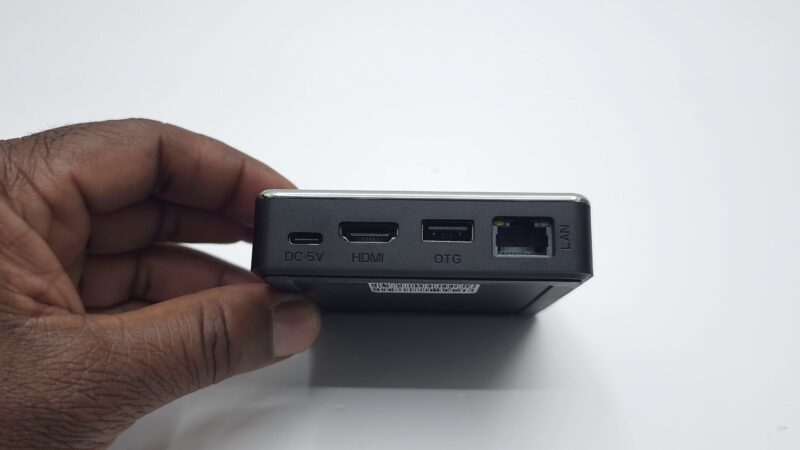
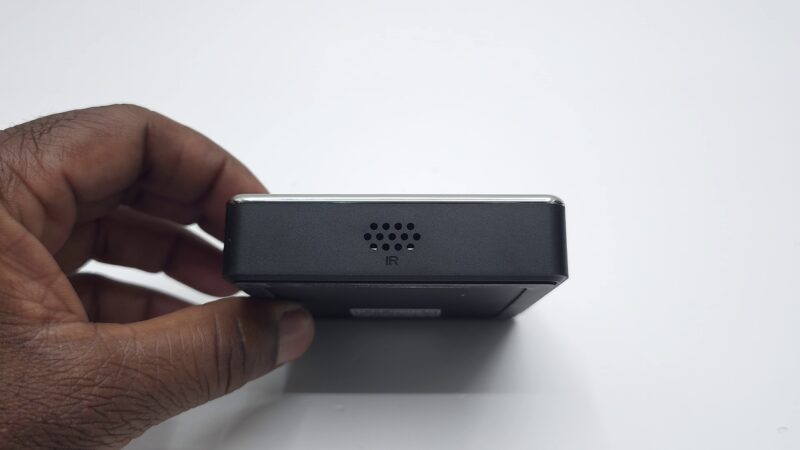
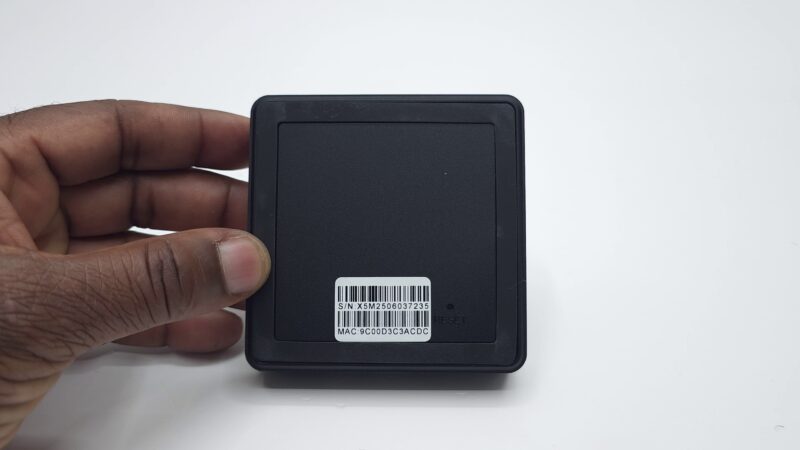
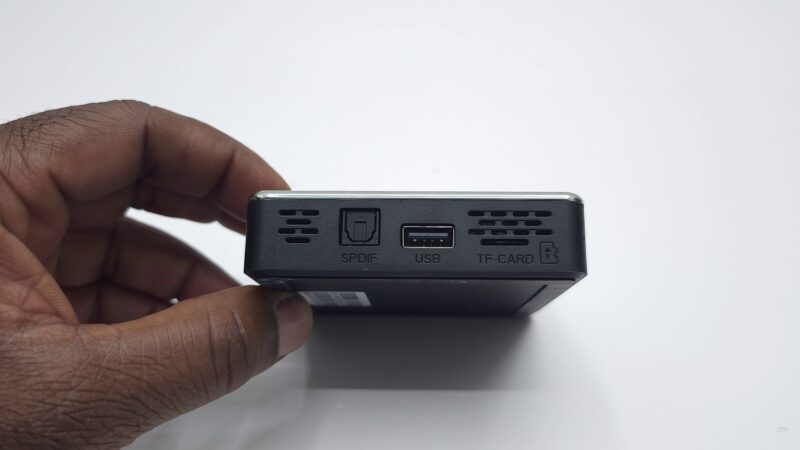
Initial Setup and the Ugoos X5M Pro User Interface
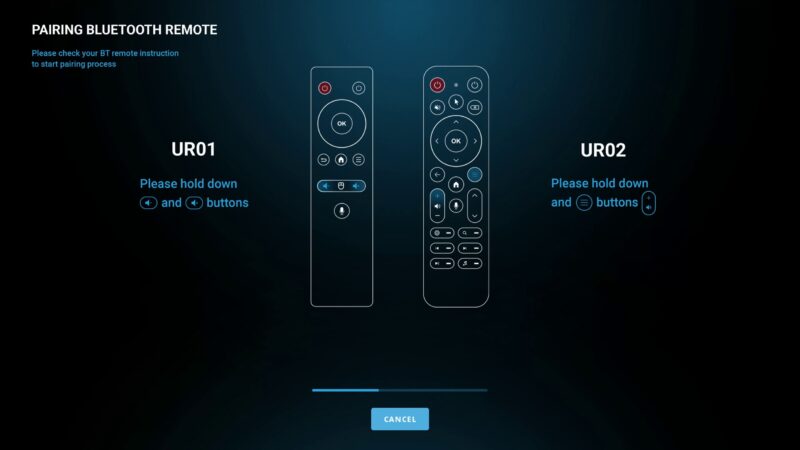
When you boot up the box for the first time, the system guides you through an easy setup process. First, it asks you to pair the included Bluetooth remote control. Following that step, you must select your preferred launcher. For the purposes of our testing, we decided to use Launcher3.
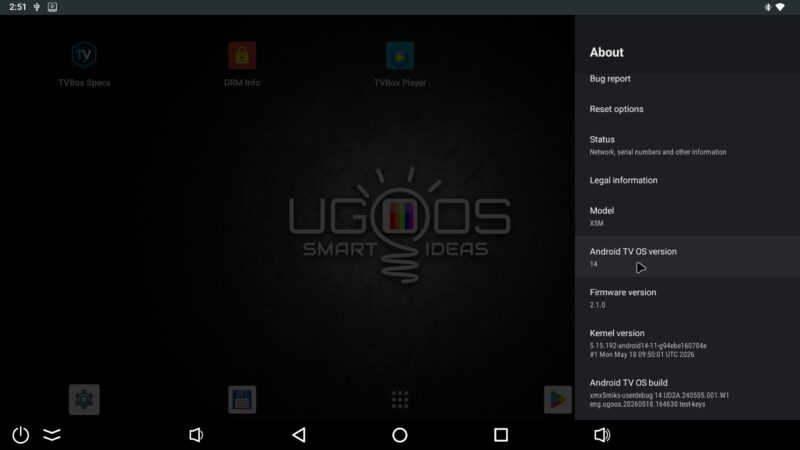
It is important to understand that this device runs on the mobile version of Android 14. Because it uses the mobile OS, you get access to several unique mobile features. For example, you can use long-click menu pop-ups. Also, you can easily drag and drop shortcuts across the screen. To make navigation smoother, the firmware includes a fully functional navigation bar. Moreover, you get a comprehensive system status bar right at the top of your screen.
Regular Updates and Long-Term Firmware Support
One major issue with cheap streaming boxes is the complete lack of software support. Fortunately, this brand handles things completely differently. As soon as you connect the device to the internet, you will likely face a surprise. Depending on your purchase date, you might see at least seven consecutive firmware updates waiting for you.
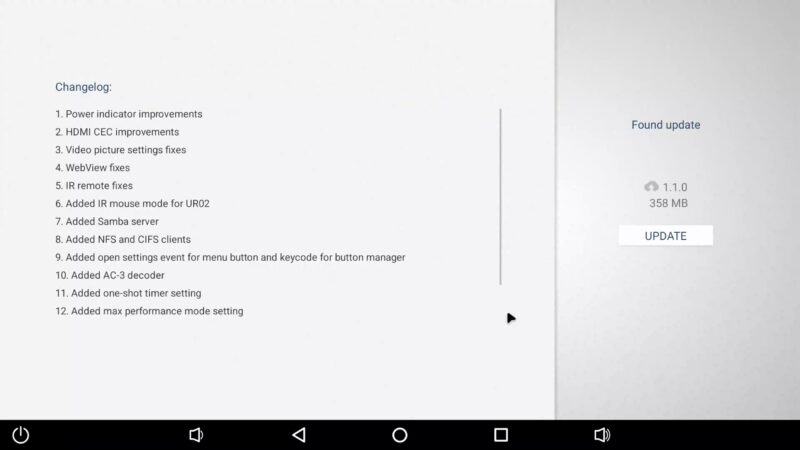
Yes, you actually have to install them one after another. This intense update schedule is a true testament to the manufacturer’s commitment. They are essentially the only brand providing consistent, long-term bug fixes. Even if the underlying Android version remains the same, these updates constantly patch performance issues and squash system bugs.
Inside the System Specifications
To truly understand this hardware, we launched a custom system tracking application. According to the internal hardware summary, this model is built on an impressive foundation.
| System Component | Technical Specification |
| Processor (CPU) | Amlogic S905X5M Quad-Core Cortex A55 |
| Graphics (GPU) | Mali G310 (Vulkan 1.3 / OpenGL ES 3.2) |
| System Memory | 4 GB LPDDR4X RAM |
| Internal Storage | 32 GB eMMC |
| Operating System | Android 14 Mobile OS |
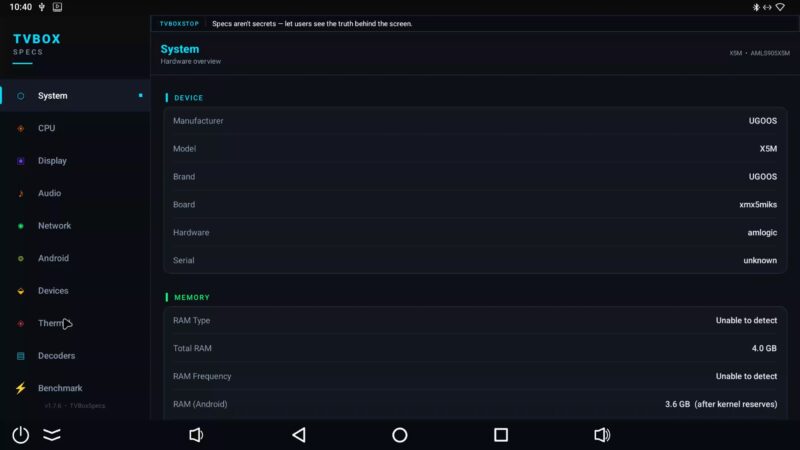
The quad-core CPU is configured in 32-bit mode. Remarkably, it reaches a maximum clock speed of 2.51 GHz. Furthermore, the device comes with built-in root access toggles and native Samba server capabilities. However, you should note that it features Google Widevine Level 3. As a result, it lacks official HDCP protection, which can impact certain paid streaming services.
Video Performance and Picture Quality
Next, let’s talk about how it handles high-resolution video playback. The graphics processing unit supports a wide variety of modern video decoders. Specifically, it handles HDR10, HLG, and the efficient AV1 video format with absolute ease. Additionally, the hardware features advanced AISR and AIPQ picture upscaling. These intelligent upscaling modes significantly boost overall video quality.
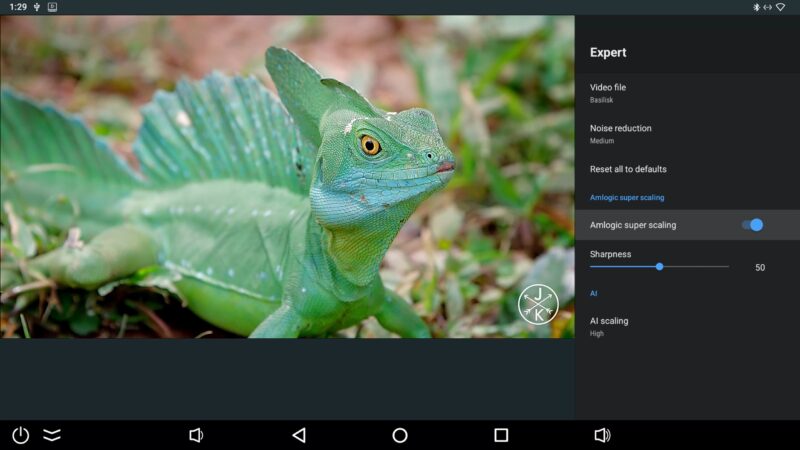
On the other hand, there are a few notable limitations. The device does not support premium formats like HDR10+ or Dolby Vision. If you attempt to play a Dolby Vision file, the media player will simply default to standard HLG or basic HDR10. Despite that drawback, testing on the official YouTube mobile app was flawless. The system easily streamed gorgeous 4K videos at 2160p resolution with HDR enabled.

Audio Passthrough and Sound Capabilities
For home theater enthusiasts, audio is just as vital as video quality. Luckily, this box delivers an exceptional sound experience. When you connect it to an external AV receiver or a compatible soundbar, it functions beautifully. The system supports full audio passthrough for almost every major surround sound format.
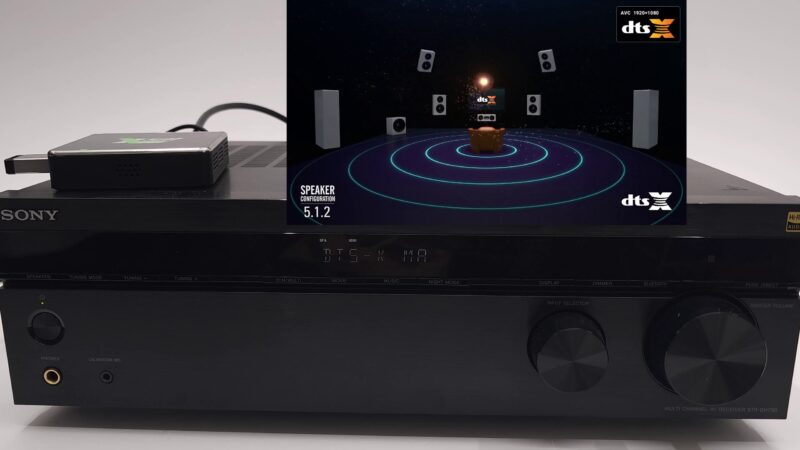
During our real-world testing, we successfully verified several premium audio codecs. The unit perfectly transmitted Dolby Atmos, Dolby Digital Plus, and standard Dolby Digital. Furthermore, it easily handled DTS audio, DTS-HD Master Audio, and advanced DTS:X tracks. The only minor disappointment is the lack of native support for Dolby TrueHD. Nevertheless, the vast majority of theater formats work like an absolute charm.
Network Speeds and Advanced Settings
In addition to audio features, network stability is crucial for high-bitrate streaming. Therefore, we heavily tested the networking hardware. The integrated Wi-Fi 6 dual-band adapter delivered incredible results. On the 5 GHz band, it maxed out our local network by hitting a rock-solid 337 Mbps download speed. Similarly, the physical gigabit Ethernet port achieved those exact same top-tier speeds. Even the typically slow 2.4 GHz wireless band performed well above average, reaching a respectable 152 Mbps.
Beyond pure speed, the settings menu gives you deep control over the hardware. For instance, you can easily rotate the screen orientation into portrait or landscape mode. You can also turn on a helpful built-in hardware monitor overlay. This overlay displays real-time system stats directly on top of your apps. If you want a snappier experience, you can increase system animation speeds. Finally, if you need raw power, there is a performance switch that completely maxes out the CPU governor scale.
Benchmarks and the Final Verdict on the Ugoos X5M Pro
To conclude our review, we ran a comprehensive suite of hardware benchmarks. First, we tested the data speeds of the memory. The RAM copy speed clocked in at a swift 4521 MB/s. Meanwhile, the internal storage achieved a read speed of 174 MB/s and a write speed of 59 MB/s.
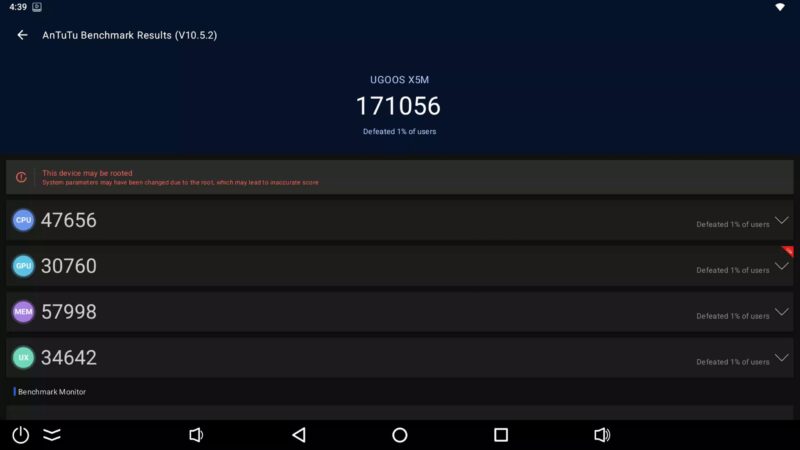
Following the storage tests, we ran Geekbench 5 to evaluate processing power. The CPU earned a single-core score of 196 and a multi-core score of 690. Next, the GPU benchmark brought in a score of 622 with an average frame rate of 3.73 FPS. Lastly, the device achieved a solid overall score of 171,056 in the classic Antutu benchmark.
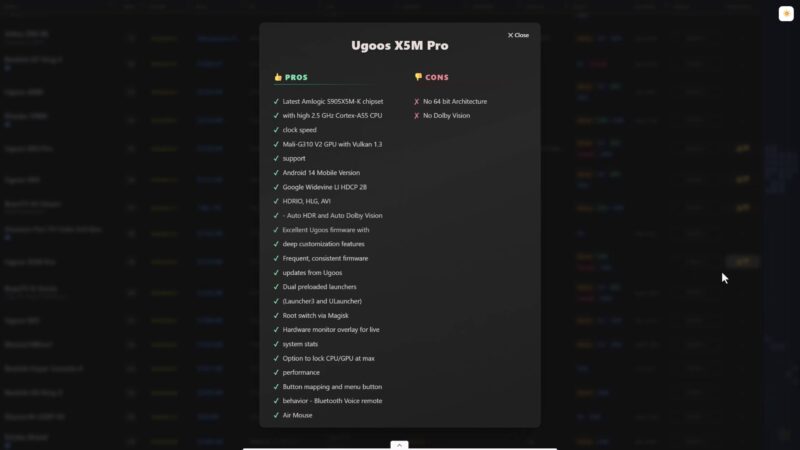
Ultimately, this puts the Ugoos X5M Pro at a very respectable position on our global streaming box chart. Thanks to the cutting-edge Amlogic hardware and fantastic firmware support, it easily earns a high 4 out of 5-star rating. It is affordable, highly customizable, and easily beats out more expensive legacy models. If you want a reliable, customizable Android box that won’t break the bank, this model is an outstanding choice for your living room.