Firestick Alternatives is the buzz word these days. Something is happening in living rooms right now. Quietly. Almost invisibly. Millions of people are staring at their Fire TV Stick and thinking the same thing. This is not the device I bought.
They are right. It is not. And the search for the best Firestick alternatives has exploded because of it.
Let me explain what went wrong. Then let me show you the way out.
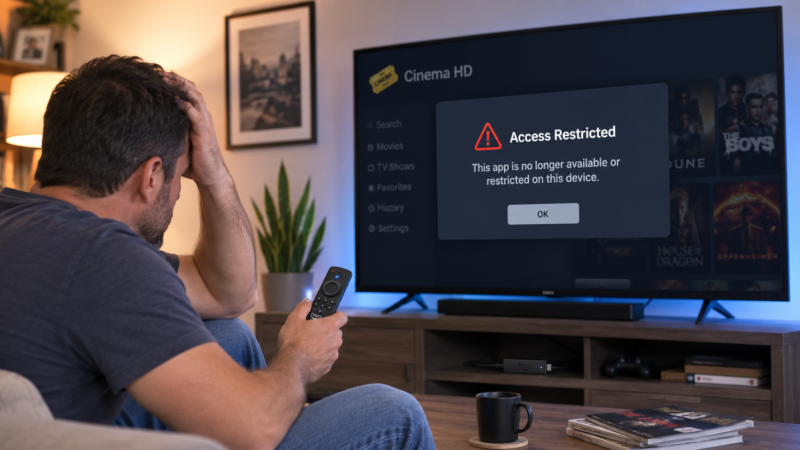
The Fire TV You Loved Is Already Gone
First, a hard truth. The Firestick that made you a cord-cutter no longer exists.
For over a decade, the Fire TV Stick had a superpower. Because it ran Fire OS, which is built on Android, you could install almost anything. You customized it. You tinkered. You made it yours.
However, that era is closing fast. Amazon has confirmed that all future Fire TV Sticks will run Vega OS, its new Linux-based system. And Vega OS changes everything.
Here is the part that stings. On these new sticks, there is no simple way to install apps outside Amazon’s own store. Custom launchers are blocked too. Therefore the home screen stays exactly the way Amazon designed it. Not the way you want it.
Worse still, Amazon has not been transparent about which devices are affected. The 2026 Fire TV Stick HD and the Fire TV Stick 4K Select both run Vega OS. Yet they carry the same familiar names. So buyers grab one, take it home, and only then discover the truth. It cannot do what their old stick did.
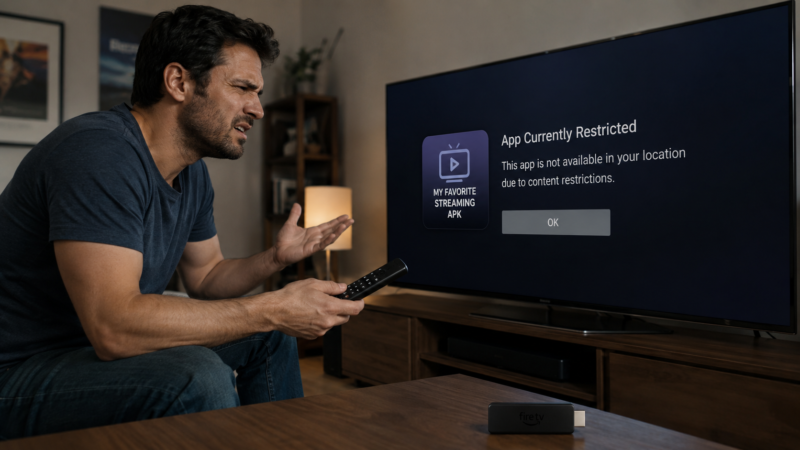
The Ads Are Getting Out Of Control
Now consider the second problem. The ads.
Fire TV users have tolerated ads for years. Ads on the home screen. Ads on the screensaver. Ads inside apps. It was annoying, but bearable.
Recently, though, Amazon crossed a line. A full-screen pop-up now takes over the entire display at startup. You must dismiss it manually before you can even use your own device. Read that again. You bought the hardware. You still have to clear an ad before it lets you in.
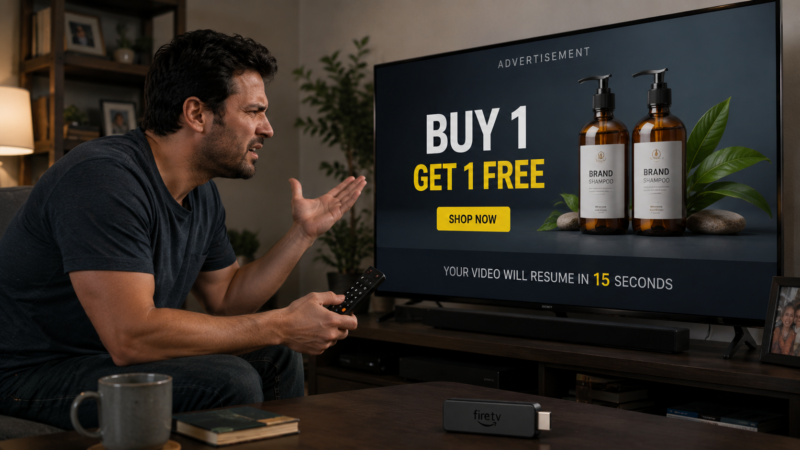
Meanwhile, the 2026 interface redesign sparked open backlash. Users describe sponsored content dominating the screen. They complain about auto-playing previews. They point to recommendations that push Amazon services above everything else. Some called the redesign a “downgrade” outright.
In short, the device stopped feeling like a streaming tool. Instead, it started feeling like a storefront. A storefront you paid to stand inside.
Amazon Can Switch Off Your Device Remotely
Here is where it stops being annoying and starts being frightening.
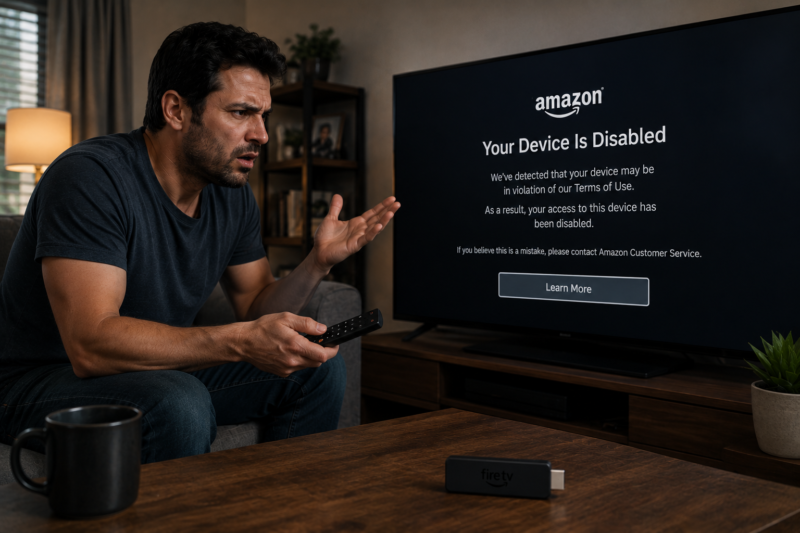
In January 2026, Amazon remotely disabled the Fire TV Blaster, a fully working accessory that people had paid for. One day it worked. The next day it did not. This was the first time the company killed a functioning device from afar.
Think about what that signals. You do not fully own your Fire TV hardware. Amazon does. They decide what runs. They decide what stops. They decide when.
Consequently, the trust is breaking. And once trust breaks, people start looking for the exit.
Why Firestick Alternatives Are Suddenly Everywhere
So where is everyone going? The answer is simple. Open Android TV and Google TV devices.
These platforms still respect the user. You can install the apps you want. You can change the launcher. You can escape the endless push toward one company’s services.
Moreover, the hardware is often better. More storage. Faster chips. Wired Ethernet. Wi-Fi 6. Features Amazon reserves for its priciest models come standard elsewhere.
To be fair, Google has its own developer-verification changes coming for certified devices. However, the approach is far gentler. Experienced users are still expected to install apps freely, with warning prompts rather than the hard lockouts Amazon now enforces. That difference matters enormously.
Let me be clear about one thing, though. This is not about piracy. This is not about dodgy apps or illegal streams. This is about ownership. It is about the right to control a device you paid for, and to run legitimate apps of your choosing.
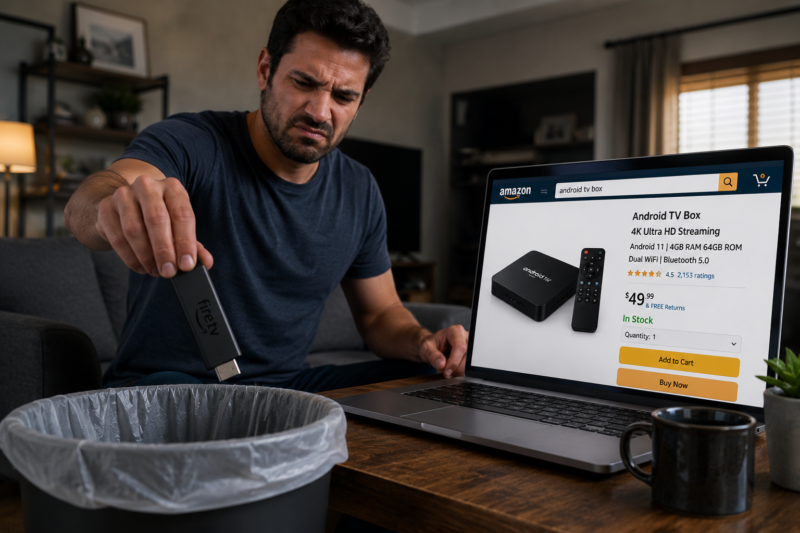
The Best Firestick Alternatives For 2026
Now for the solution. Here are the open, legitimate devices people are switching to.
Onn 4K Pro. This is the value champion. For around $60 it runs full Google TV with Wi-Fi 6, Ethernet, and roughly 32 GB of storage — far more than any budget Firestick. For most people leaving Fire TV, this is the obvious first stop.
Google TV Streamer. Google’s own flagship. It adds Matter and Thread support, which turns your streamer into a genuine smart-home hub. That is something no Fire Stick offers. Furthermore, it runs the cleanest, most current version of Google TV available.
NVIDIA SHIELD TV Pro. The enthusiast legend. It keeps open Android sideloading, adds AI upscaling, and includes a built-in Plex Media Server. Note, however, that supply has tightened recently, so availability varies. If you find one, it remains the power-user favorite.
Each of these runs legitimate apps through official channels. Netflix. YouTube. Disney+. Plex. Jellyfin. Kodi for your own local media. No shady workarounds required. Just freedom.
However, if you are looking for a complete list of Android TV boxes to purchase and don’t know which one to buy you can check out my full TV box rankings chart and it will guide you on which one with the right features is right for you.
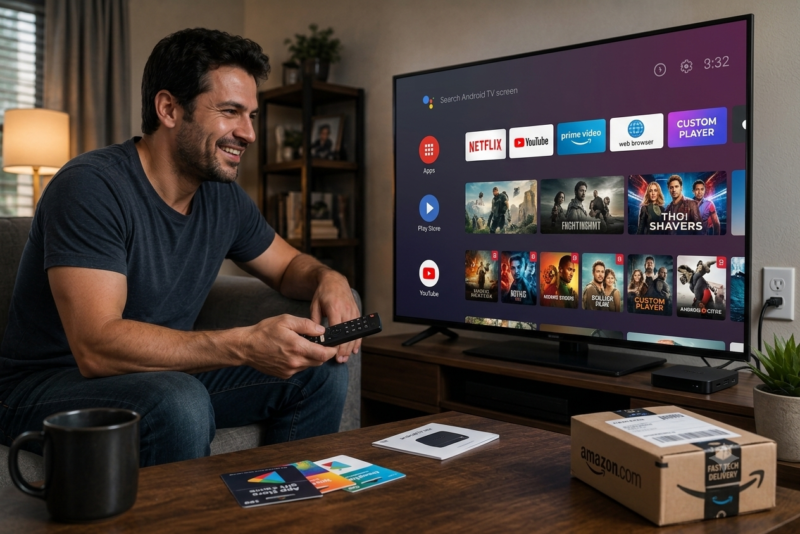
What You Should Do Before You Buy
Before you spend a cent, follow these steps. They will save you real pain.
Check the operating system first. If you are eyeing any Fire TV device, confirm whether it runs Fire OS or Vega OS. This one check decides everything.
Prioritize open platforms. Google TV and Android TV devices give you control. Choose them if flexibility matters to you.
Look at storage and connectivity. More storage means more apps and fewer cache headaches. Ethernet means stable streaming. Do not settle.
Keep it legal. Use official apps and legitimate services. Avoid any seller advertising “fully loaded” boxes or free premium content. Those devices are a legal and security minefield, and they are exactly what the crackdowns are targeting. You do not need them. Legitimate apps on an open device already give you everything you actually want.
The Bottom Line
Let me be blunt. The Fire TV Stick is drifting toward a locked, ad-heavy, Amazon-controlled box. Vega OS removes the freedom. The pop-ups insult your patience. And the remote kill-switch proves who really owns the hardware.
Fortunately, you have a way out. Open Google TV and Android TV devices hand control back to you. They cost about the same. They often perform better. And they run the legitimate apps you rely on without fighting you at every turn.
The exodus is already underway. The only question left is simple. How long will you keep clearing that startup ad before you join it?