If you want the ultimate home theater experience, downloading the new TVBox Player app is the best way to stream 4K HDR Dolby Vision and Dolby Atmos content without any playback errors. You might own a top-class soundbar system, a 7.1 setup, or a 5.1 AV receiver. These setups work perfectly with premium services like Netflix or Disney Plus.
However, playing self-hosted local videos is a completely different story. Finding a hardware device and a compatible software application can be a massive headache. It gets incredibly frustrating when streaming applications fail to pass through basic surround sound. Fortunately, the wait is finally over for home theater lovers.
Introducing the TVBox Player
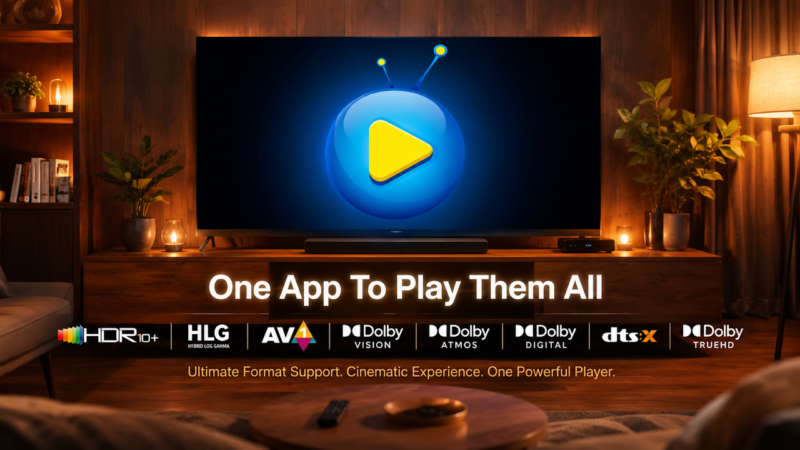
Today, we are looking at an advanced application built specifically for Android boxes. The TVBox Player is designed to solve your playback issues once and for all. As the splash screen says, it is truly one app to play them all. Furthermore, this software is available today as a completely free giveaway.
This program fixes the struggle of playing high-bitrate self-hosted files. Additionally, the TVBox Player restores true surround sound audio decoding to your streaming applications. While some standard utilities handle local media, they completely fail when paired with external streaming apps.
Supported Video and Audio Formats
This application easily processes complex file structures. Consequently, the TVBox Player plays all major HD and 4K file formats like MP4, TS, MKV, and M2TS. It also decodes advanced multi-channel sound formats effortlessly. For example, it easily handles complex Dolby Vision and Dolby Digital combinations.
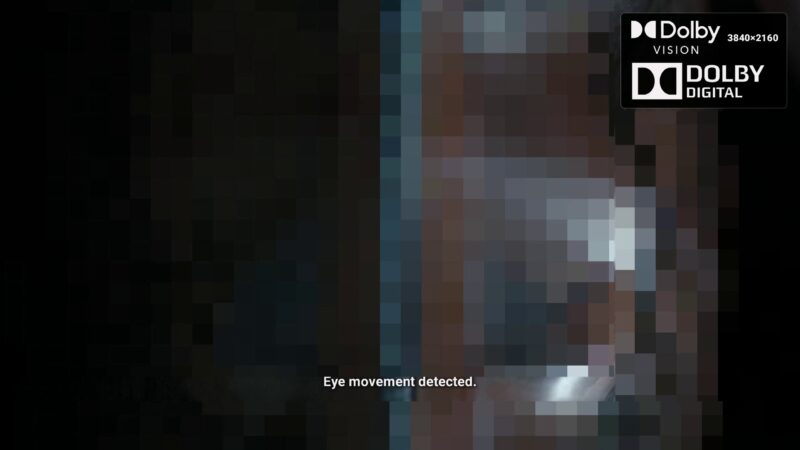
Along with powerful background processing, you get a beautiful On-Screen Display (OSD). The OSD automatically detects the active video format and showcases it visually.

Exploring the Simple User Interface
The software features a clean layout with minimal settings to adjust. By default, the TVBox Player opens your device’s internal storage folder instantly. You can quickly switch to external storage by selecting the USB or SD card button. If you connect multiple drives, a convenient pop-up list will appear.
Navigation is smooth and flexible. You can use a standard remote control direction pad or a mouse pointer.
Configuring the System Settings
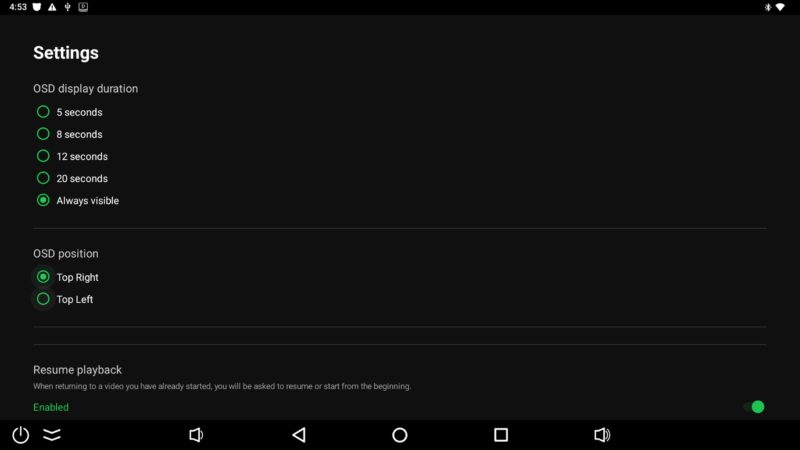
Inside the preferences menu, you can customize the OSD display duration. You can even set the display to stay on permanently. Additionally, you can position the layout on the top left or top right of your screen.
Users can also toggle a dedicated resume playback button. This feature is incredibly helpful when integrating with external streaming apps. Furthermore, the TVBox Player includes an experimental software decoding mode. This option helps pass through multi-channel audio on devices lacking native hardware decoders. Finally, built-in storage diagnostics help you troubleshoot unreadable external drives.
Real World Format Demonstrations
During live playback testing from local storage, the app performs beautifully. It seamlessly renders HDR10, AV1, and Dolby Vision content. It also plays Dolby Vision paired with active Dolby Atmos.
If your television lacks specific format support, a smart fallback system takes over. The utility also processes HLG, DTS-HD Master Audio, Dolby TrueHD, and heavy DTS:X tracks effortlessly.
Using TVBox Player With Streaming Apps
You can easily link this tool to your favorite streaming programs. For instance, you can open Stremio, head to the settings, and select this software as your external player.
When you play a Dolby Atmos link, the TVBox Player outputs the digital bitstream directly. The OSD confirms the active stream instantly. Moreover, subtitle toggles work perfectly as long as the source application provides the text files.
Download Your Free Copy Today
Support the continued development of the TVBox Player app and other free apps ❤️
Donate here: https://paypal.me/TVBoxStopNick
You can download the TVBox Player for free using the link in the video description. In return, please subscribe to the channel and hit the like button. If you want to support months of development, consider leaving a tip or buying a coffee. Your kind donations directly fund future updates for newer Android chipsets. Enjoy the app, and leave your feedback in the comments section below!