The GMKtec G3 Pro is a compact, budget-friendly mini PC. It runs Windows 11. It is powered by a dual-core Intel Core i3 10110U processor. Furthermore, it comes packed with features that punch above its price point.
Design and Build Quality
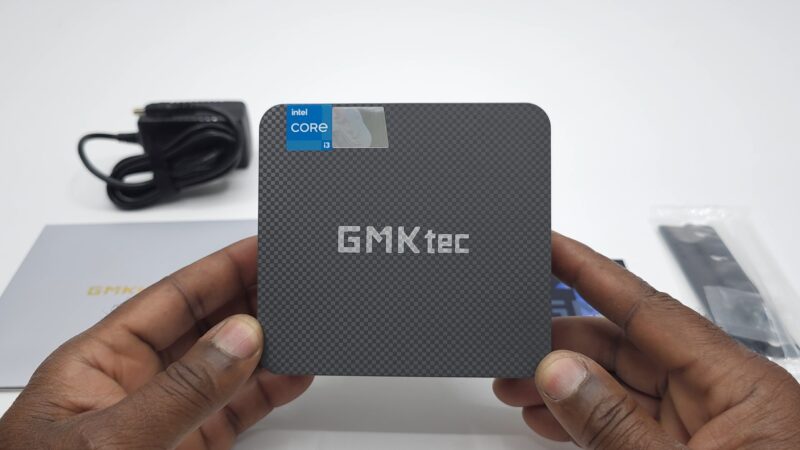
First, let’s talk about the design. The G3 Pro features a plastic outer shell. It is compact and lightweight. Additionally, it sports GMKtec branding on top.
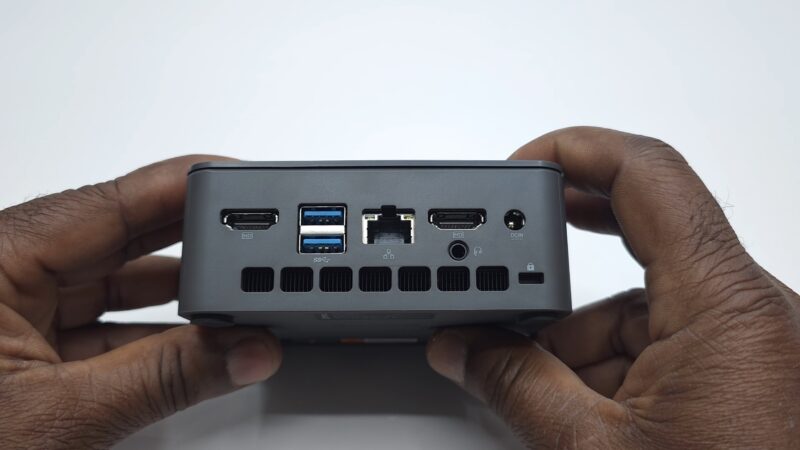
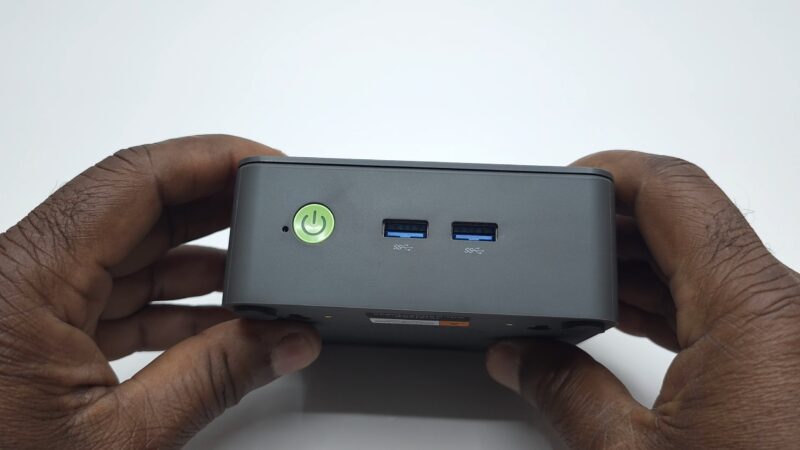
For connectivity, it includes two HDMI 2.1 ports. It also has four USB 3.2 ports. There is a gigabit LAN port and a headphone jack. Furthermore, the front panel includes a built-in microphone and an LED power button.
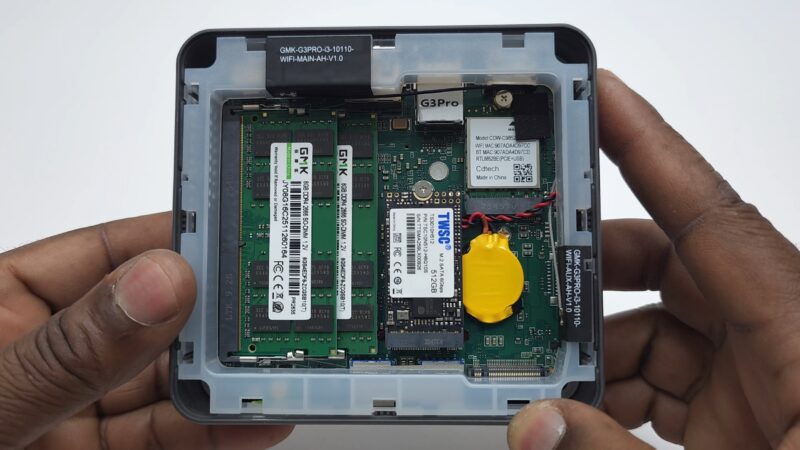
Internally, access is straightforward. Simply pull off the top cover. It is secured only by plastic clips.
GMKtec G3 Pro Specs and Hardware
The G3 Pro comes well-equipped for its price range. Here is a quick breakdown of its core specifications.
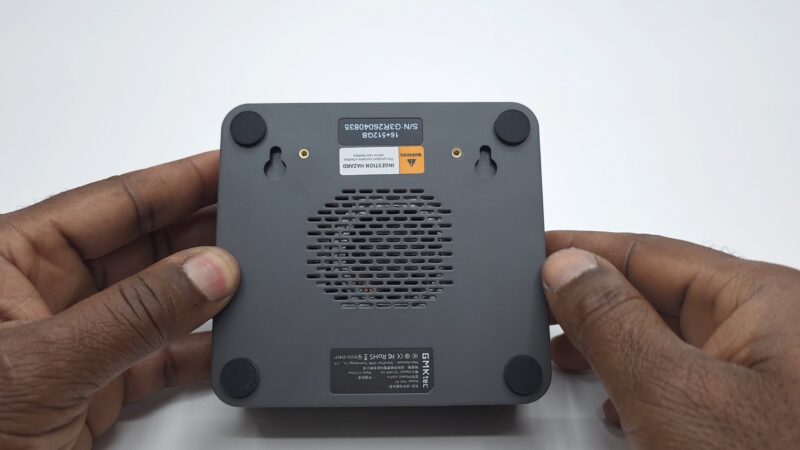
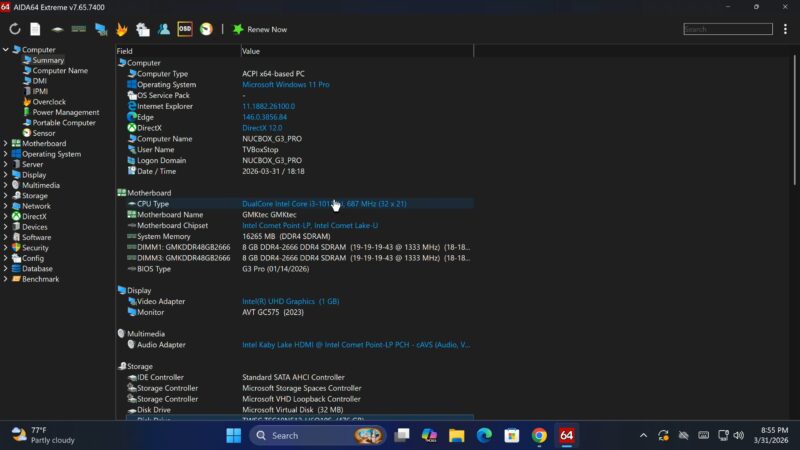
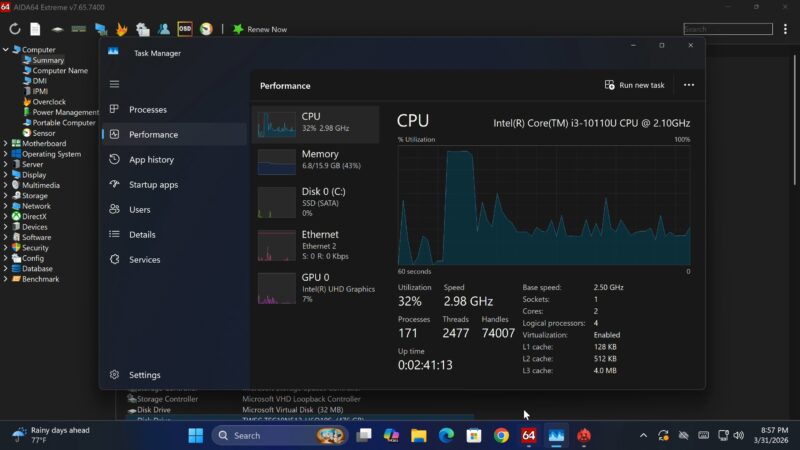
It runs a dual-core Intel Core i3 10110U CPU. The base clock speed is 2.1 GHz. However, the boost clock reaches up to 4.1 GHz. It ships with 16 GB of DDR4 2666 RAM. Storage comes via a 512 GB SATA M.2 SSD.
For graphics, it uses Intel UHD Graphics. The base GPU frequency is 300 MHz. The maximum dynamic frequency reaches 1.0 GHz.
Notably, there is an additional M.2 NVMe slot. It supports drives up to 8 TB. This is great for expandable storage.
BIOS Tip: Unlock Full Boost Performance
Here is an important tip for new owners. Out of the box, the boot performance mode is set to none-turbo. Therefore, you are not getting full performance by default.
To fix this, enter the BIOS settings. Navigate to CPU Power and Performance. Then go to Power Management Control. Finally, change Boot Performance Mode to Turbo Performance. Save and reboot. As a result, you will unlock the full 4.1 GHz boost clock speed.
Display and Audio Capabilities
The G3 Pro supports 4K output via its dual HDMI ports. However, 4K is limited to 30 Hz. Consequently, for smooth 60 Hz output, you will need to stay at 1080p.
Unfortunately, HDR10 is not supported. Nevertheless, the dual HDMI ports allow extended dual monitor setups. In addition, a third display can be connected wirelessly.
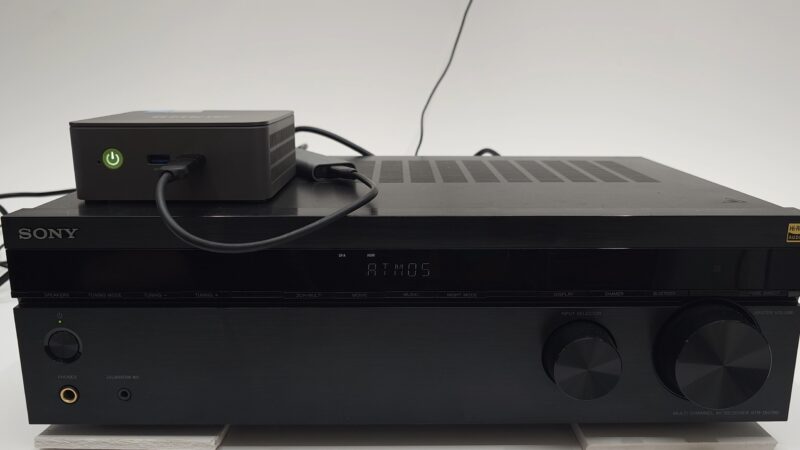
On the audio side, things are more impressive. It supports full surround sound passthrough via HDMI. Supported formats include Dolby Atmos, Dolby TrueHD, Dolby Digital Plus, DTS-X, and DTS HD Master Audio. Therefore, it pairs well with a soundbar or AV receiver.
Windows Gaming Performance
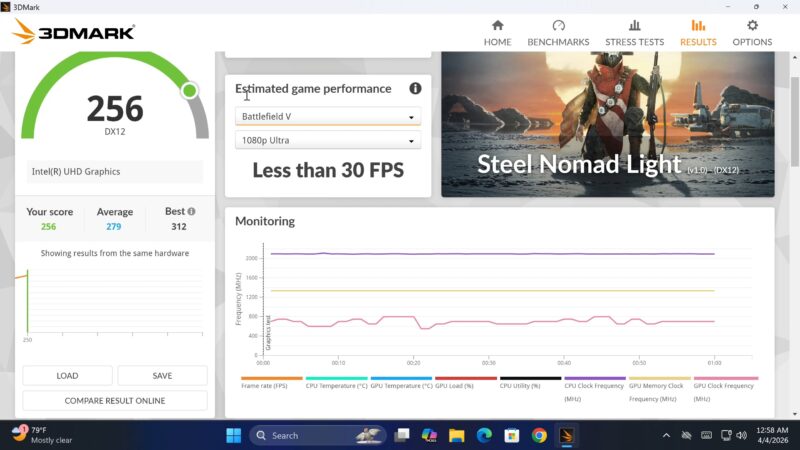
Gaming performance on Windows is modest. Most modern titles require low graphics settings. For example, Battlefield 5 and Red Dead Redemption 2 average below 30 FPS at 1080p. Therefore, it is not suitable as a dedicated Windows gaming machine.
However, for casual use, light gaming, and media playback, it performs adequately.
GMKtec G3 Pro Android Gaming with FydeOS
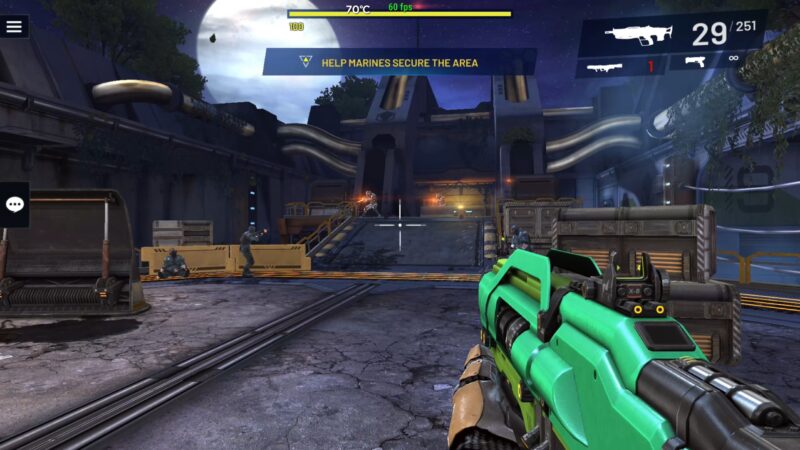
This is where the G3 Pro truly shines. Its additional M.2 NVMe slot allows you to install alternative operating systems. Importantly, this does not affect your Windows system disk.
FydeOS is a standout option. It is a Chrome OS-based OS with a full 64-bit Android subsystem. Consequently, it allows you to run Android apps and games natively.
Under FydeOS, Android performance is exceptional. The Intel Core i3 CPU delivers full 4.1 GHz boost clock speeds. Moreover, Intel Mesa graphics replace the slower ARM Mali GPUs found in ARM-based Android boxes. GPU performance reaches up to 1 GHz.
However, there are trade-offs. Surround sound audio is not supported under FydeOS. HDR display is also absent. Additionally, the Wi-Fi adapter does not install drivers. Nonetheless, ethernet LAN and Bluetooth work fine.
Benchmark Results
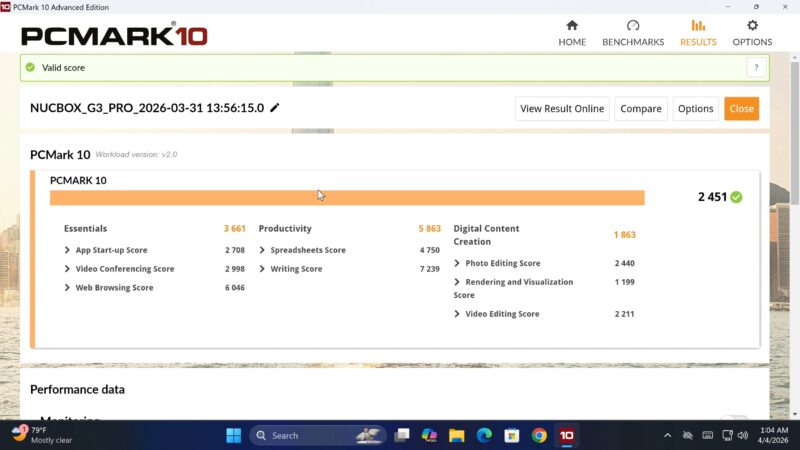
Let’s look at the numbers. The GMKtec G3 Pro generated a Geekbench 5 single-core score of 828. Its multicore score reached 1468. In PCMark 10, it scored 2451. The Antutu benchmark version 11 produced a score of 736,696.
For storage, sequential read speed reached 460 MB/s. Sequential write came in at 453 MB/s. RAM transfer speed peaked at 11,074 MB/s.
For networking, the 5 GHz Wi-Fi band and gigabit LAN both maxed out the test network. The 2.4 GHz band averaged around 174 Mbps.
GMKtec G3 Pro Rankings
To see how it compares against other devices, visit the TV Box Stop Mini PC Rankings Chart. Based on its PCMark 10 score, it currently ranks at position 21. Therefore, it holds a respectable position among budget mini PCs.
Final Verdict
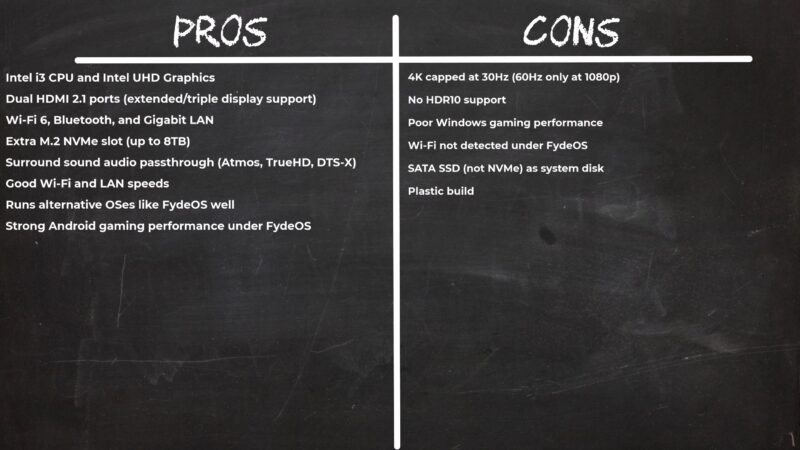
In summary, the GMKtec G3 Pro is a solid budget mini PC. It offers versatile connectivity and a useful expandable storage slot. Furthermore, its FydeOS Android gaming performance sets it apart from ARM-based alternatives.
However, it is not a gaming powerhouse. Windows gaming performance is limited. Additionally, there is no HDR support.
Overall, if you want a versatile, affordable mini PC for productivity, media, and Android gaming, the GMKtec G3 Pro delivers good value.